
Create an Idea box
Your members often know exactly what would make their visit better — they just need a place to say it. An Idea box is one open question that stays available all year. You'll set one up for Fortios Fitness in three steps and see how members share their ideas in their own words.
Title, welcome text and names
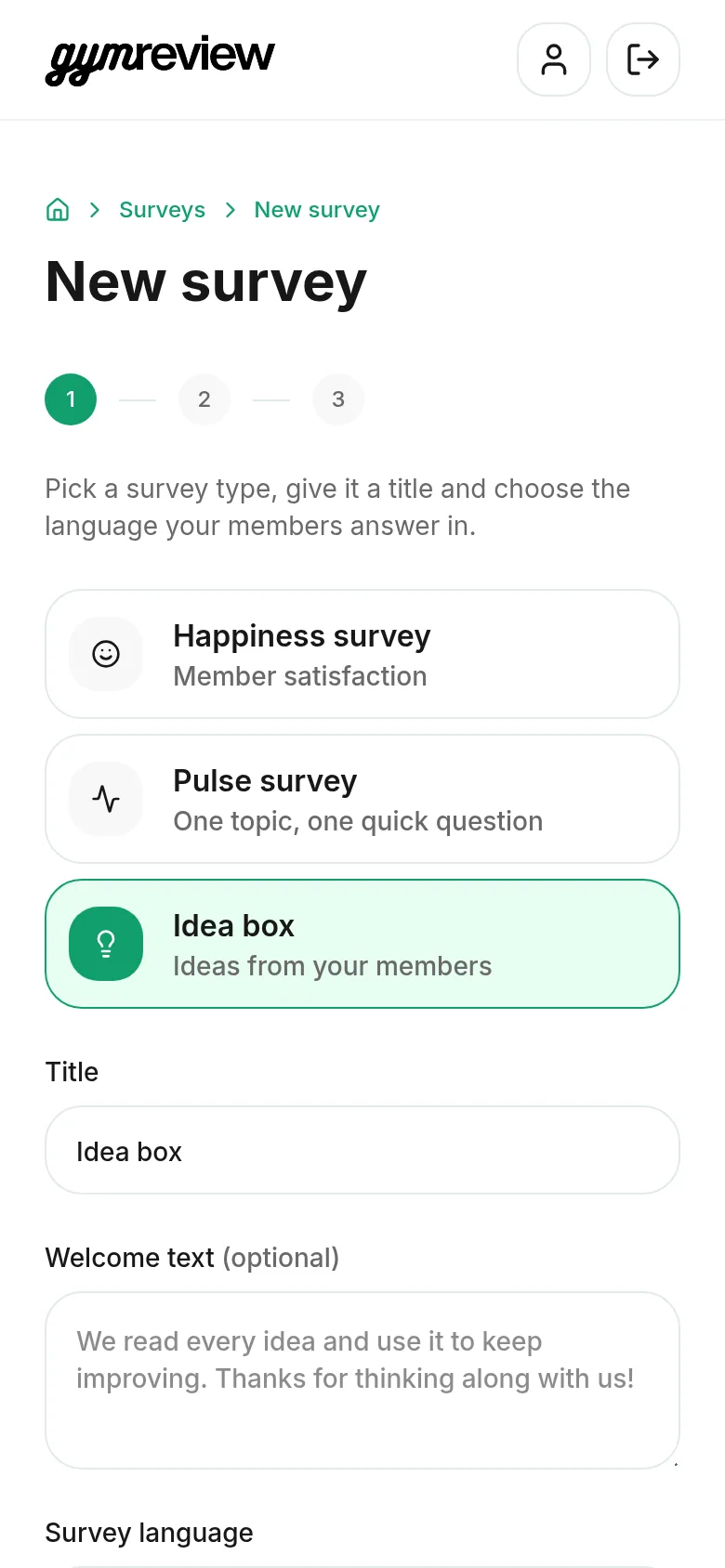
On your home screen, tap Idea box (or choose it under New survey).
- Title — for example "Idea box".
- Welcome text — optional. Leave it empty and members see the suggested text shown in grey.
- Survey language and how members answer — anonymous, or with name and email first or last.
Tip: Want to reply to good ideas? Choose name and email last: members can leave their details, but they don't have to.
Pick your question
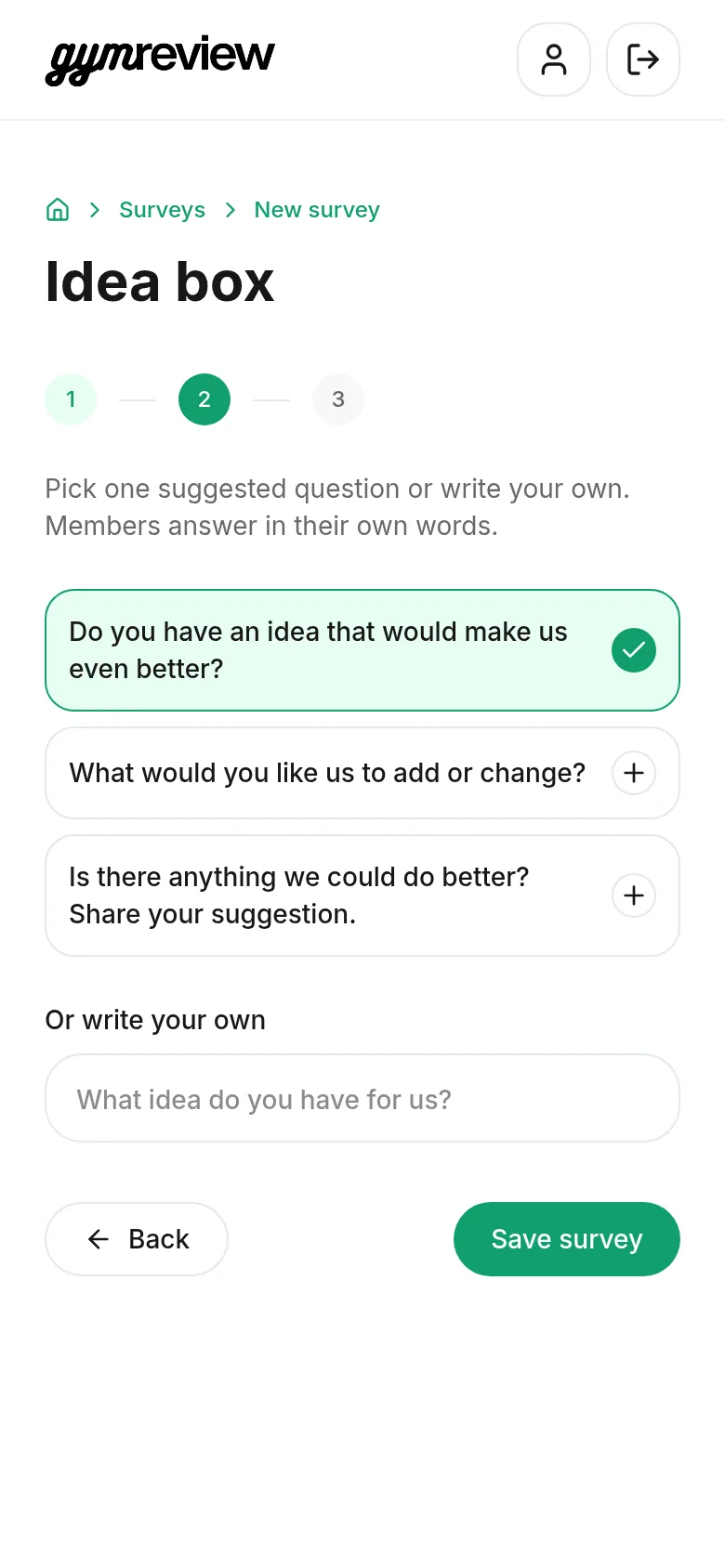
Tap one of the suggested questions, or type your own under Or write your own.
An Idea box always has one open question: members answer in their own words, so there's no answer type to choose.
Tap Save survey.
Publish and share
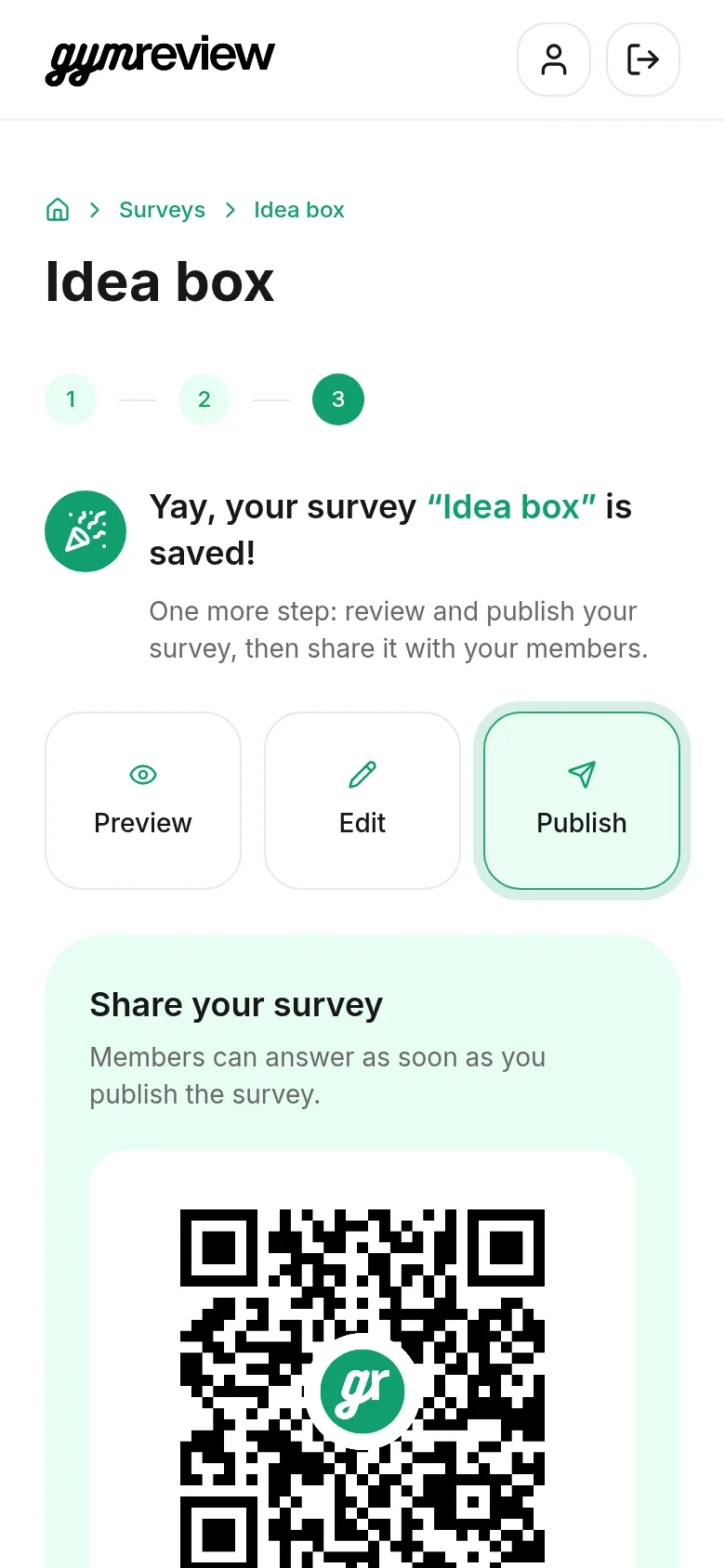
On the survey page, tap Preview to check it, then Publish.
Hang the A4 poster or QR code where members wait or relax, and add the link to your newsletter or app. Leave it live as long as you like.
What members see
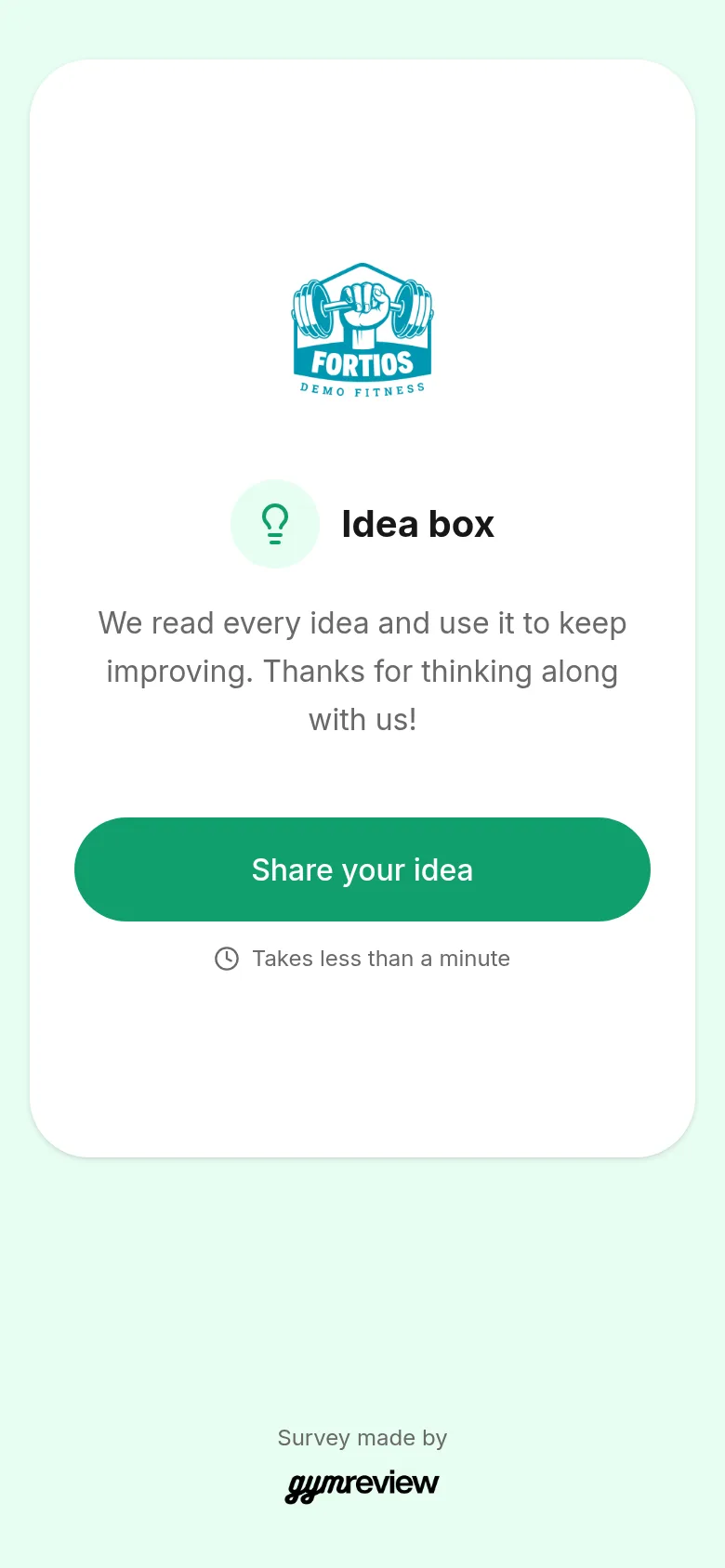
Members see your logo, a lightbulb, the title Idea box and your welcome text, with a Share your idea button.
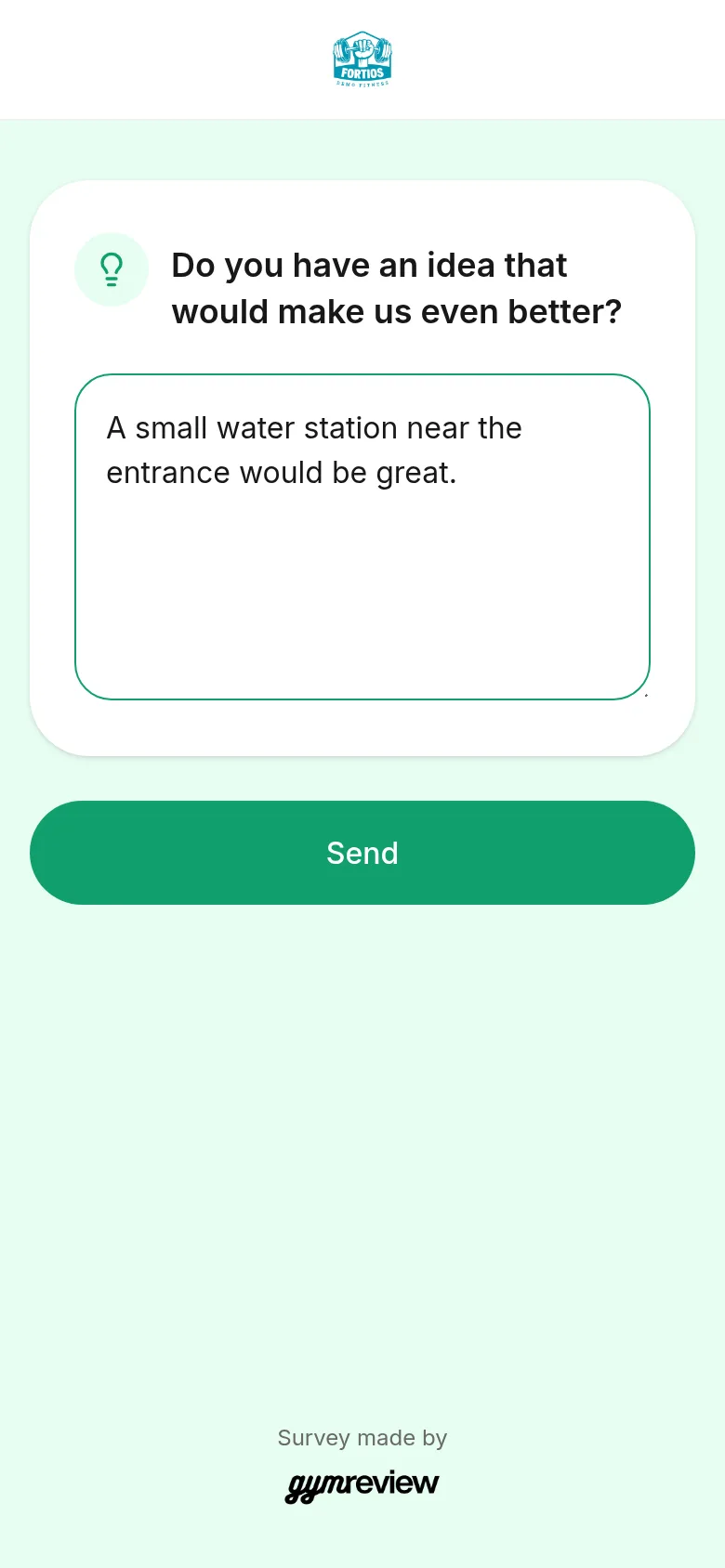
Writing an idea
The member types their idea and taps Send. There's no limit: a few words or a full suggestion, both are welcome.
Thank you
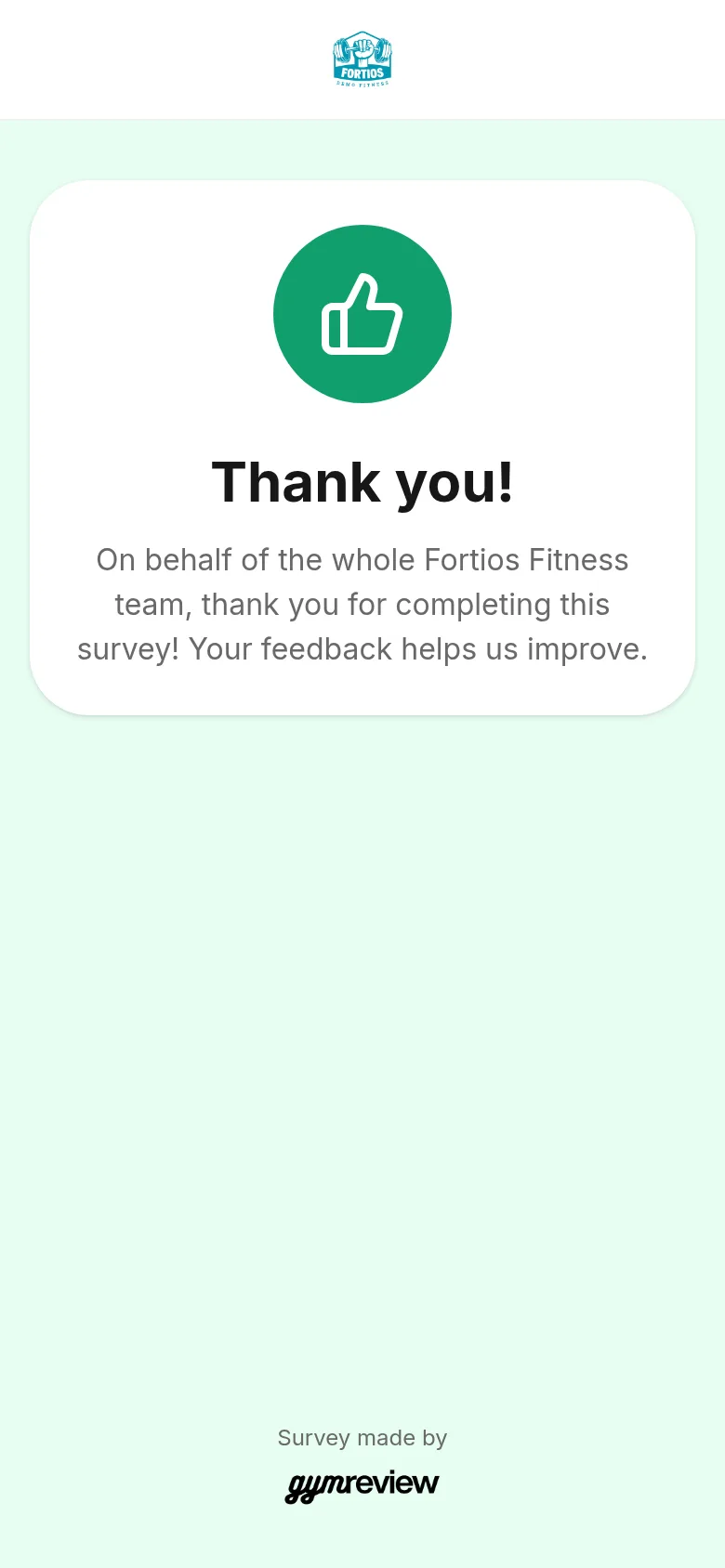
Every member ends on a warm thank-you page in your name. Idea boxes never show the Google review invitation.
Read the ideas
Open the survey and tap Results. Under Written feedback you'll find every idea, newest first, with a coloured face for its tone.
Tap Generate insights to group similar ideas and see which ones come back most often.
Tip: Tell members what you did with their ideas — on a screen, in your newsletter or at the desk. It's the best way to get more of them.