What members see
Curious what your members experience after scanning the QR code? Follow a Fortios Fitness member from the first screen to the last. You'll see why answering feels quick and easy on any phone — no app, no account — and how each choice you make in the builder shows up for them.
The start screen
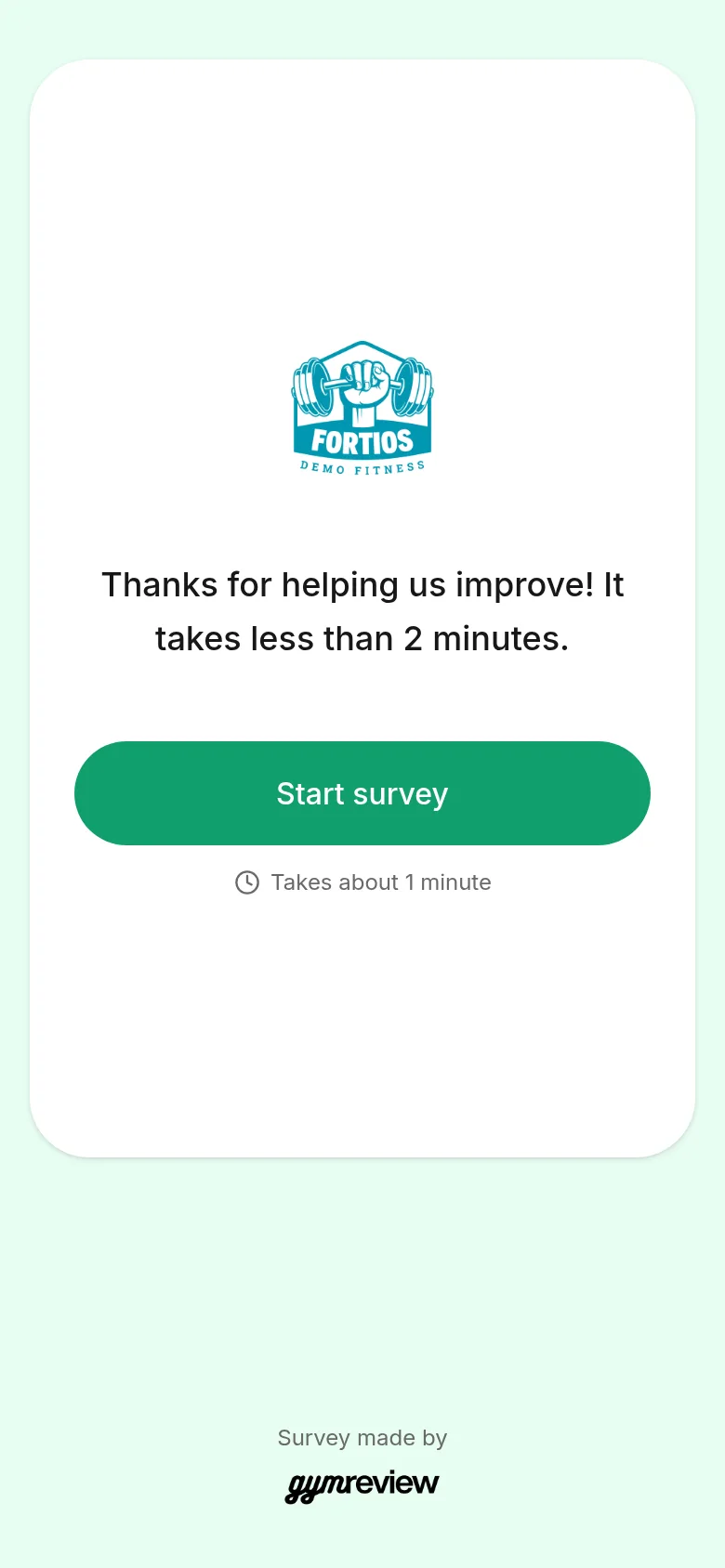
Members first see your logo, your welcome text and a big Start survey button.
Below the button, a small clock shows how long it takes. GymReview calculates this from the number of questions, so it's always honest.
- Pulse surveys show the theme icon and "Your opinion counts".
- Idea boxes show a lightbulb and "Share your idea".
Tip: Everything members see is in the survey language you chose, even when your app is in English.
Answering the questions
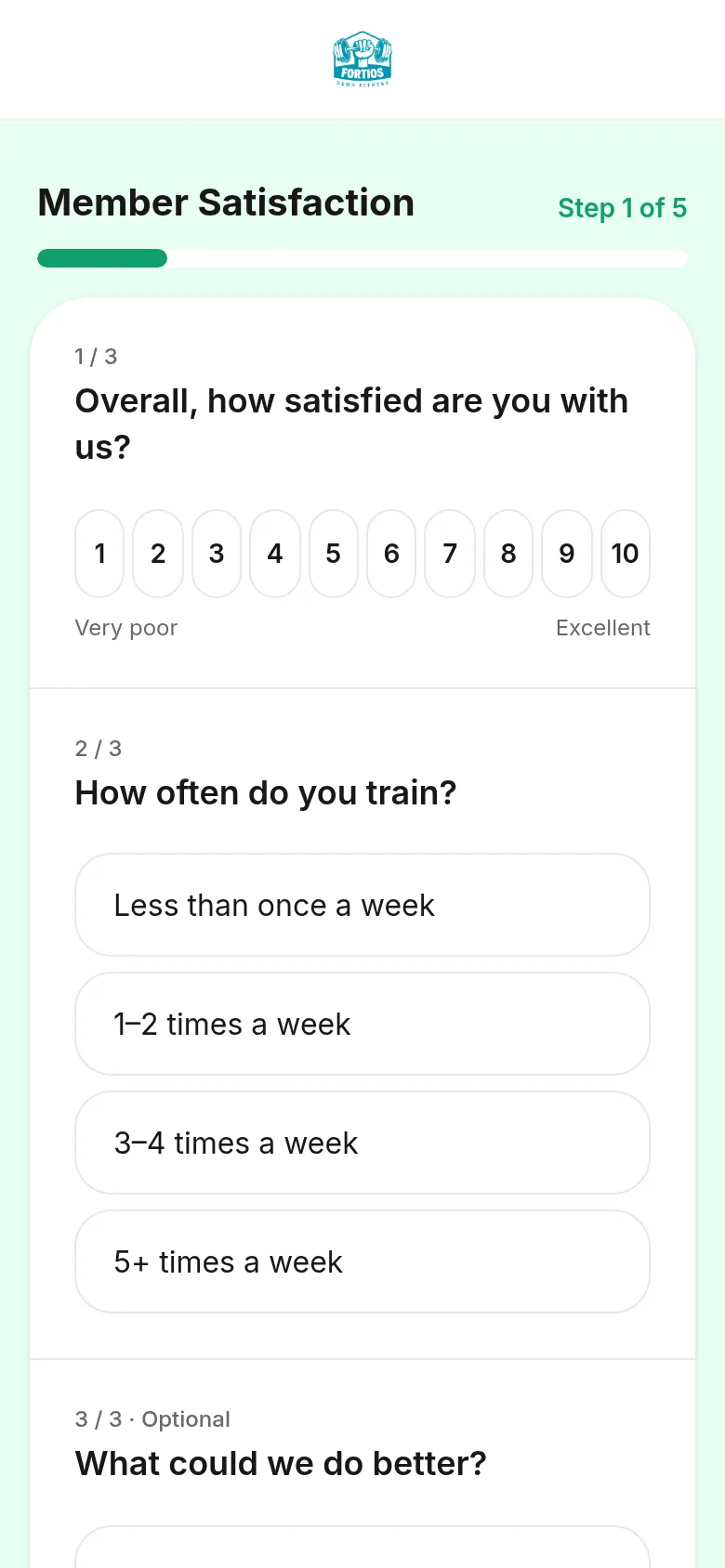
In a Happiness survey, questions are grouped per topic, one topic per screen. A progress bar shows how far along the member is.
Members tap a score, stars or an option, or type a short answer. Optional questions are clearly labelled.
If a required question is skipped, it's marked with a slim red line and a short note, so the member sees right away what's missing.
Name and email
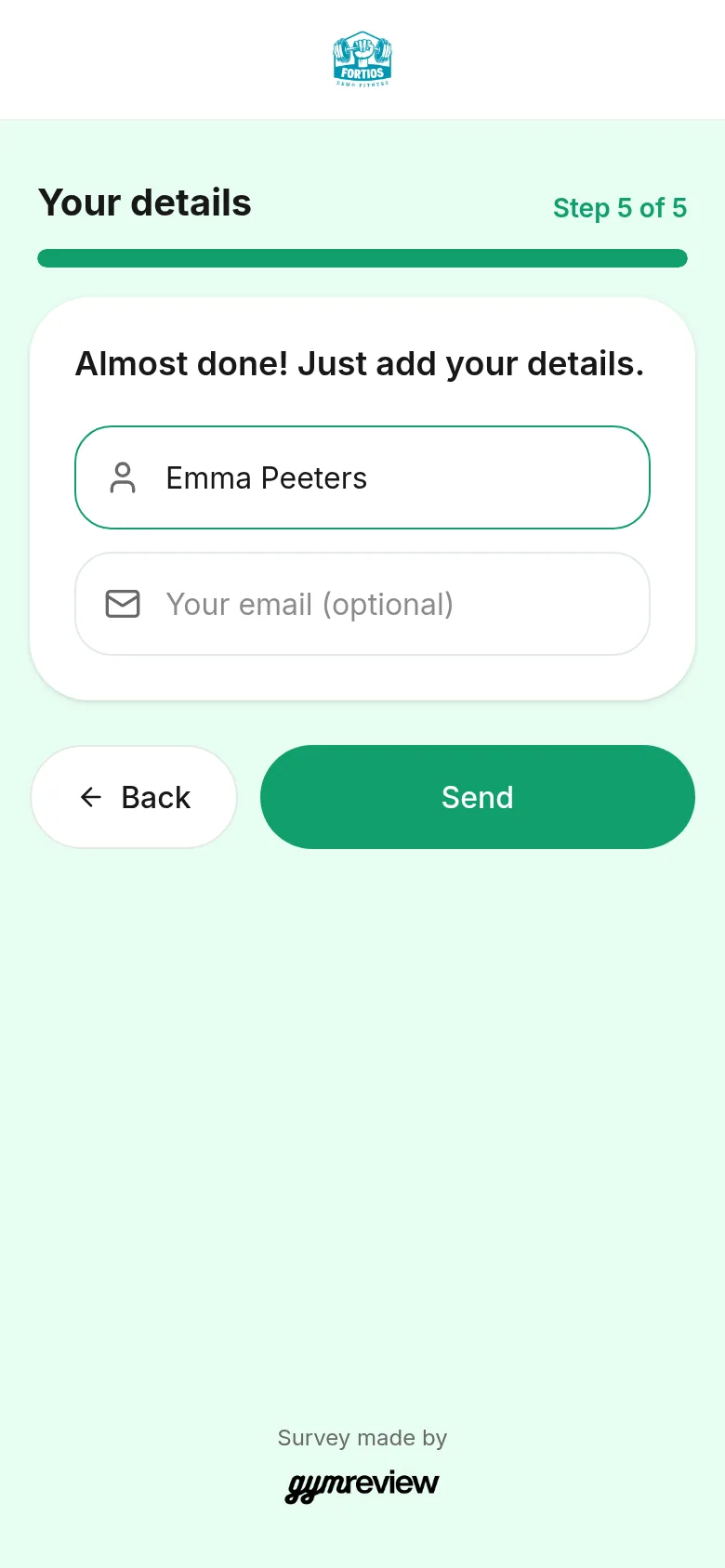
If you chose Name and email last, members see "Almost done! Just add your details." With Name and email first, this step comes before the questions.
Both fields are always optional. An email address is only checked when someone fills it in.
Answers are saved as soon as the member reaches this step, so you never lose feedback from someone who leaves without sending.
Thank you and Google review
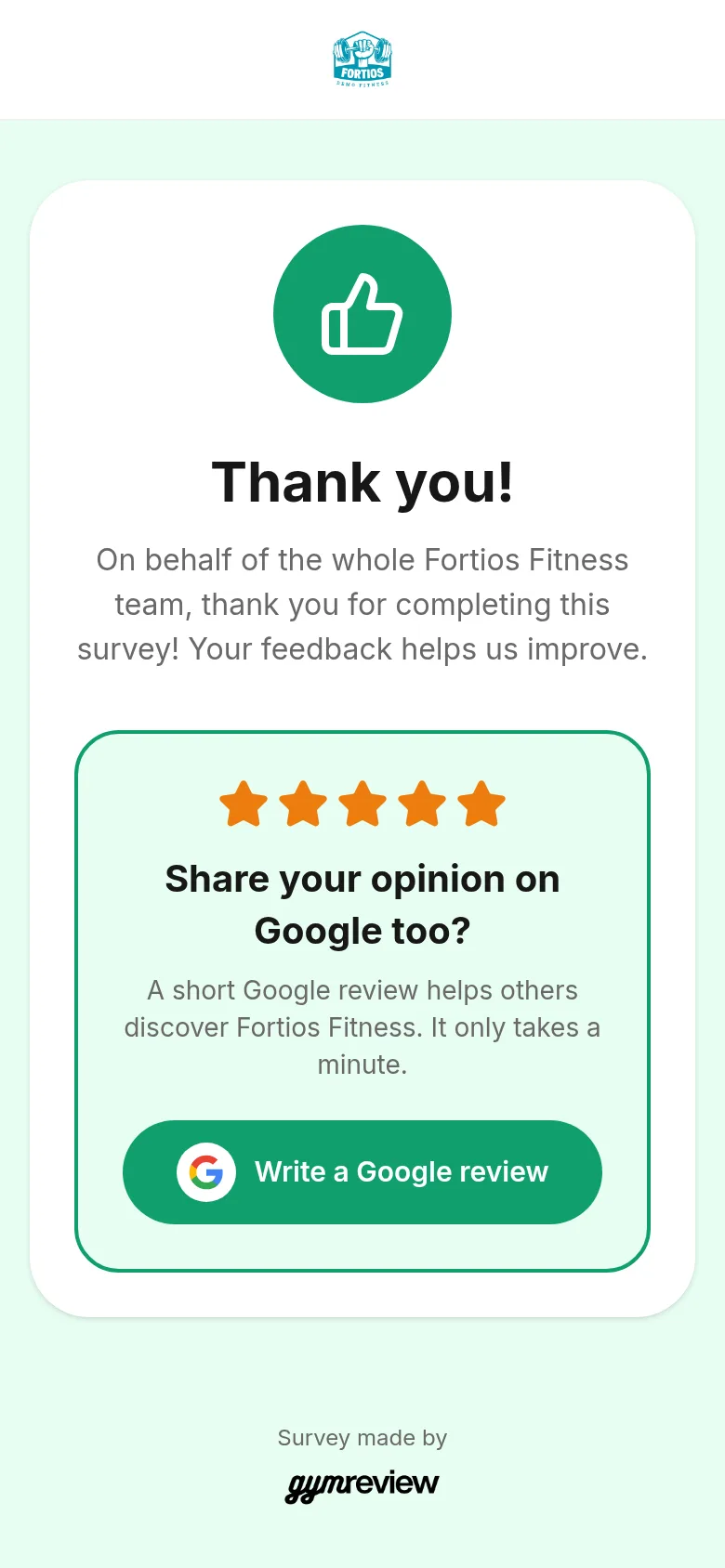
Every member ends on a warm thank-you page in your name.
In a Happiness survey with Google reviews turned on, satisfied members also get an invitation to write a Google review. It only appears when their answers reach your threshold, so happy members are the ones you invite.
Tip: Pulse surveys and Idea boxes never show the Google invitation.